Run on your cluster,
not your laptop.
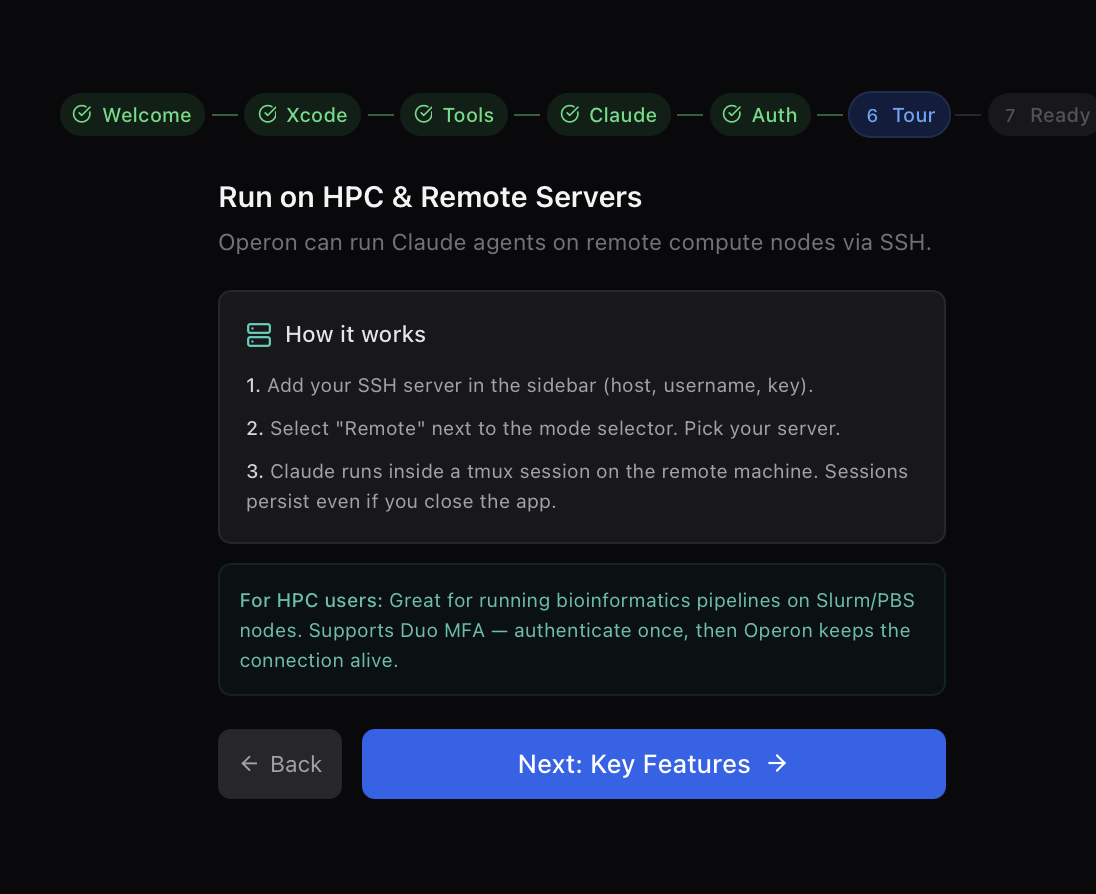
Operon's terminal mode runs Claude inside a persistent tmux session on your HPC compute node. Sessions survive dropped Wi-Fi, closed laptops, and overnight jobs. Your data never leaves the cluster.
How much time will this cost me?
Adjust the knobs for a rough sketch of runtime and node allocation — based on what our lab has actually observed on real clusters.
Estimator treats runtime as baseHours × samples × (size/10GB)^0.7. Real wall-time depends on queue times, I/O contention, and reference genome.
Estimate
For — on — samples × — GB each.
An AI IDE that actually understands your cluster.
Persistent tmux sessions
Every chat runs inside a named tmux session. Close your laptop, switch machines, or reconnect next week — the session's still there.
Claude on the compute node
The agent runs where the data lives. No round-tripping TB-scale files back to your Mac. SLURM jobs, GPU nodes, anywhere.
Respects your shell
Your conda envs, lmod modules, .bashrc aliases — all work. Operon injects commands into your actual shell, not bash -c.
Session resume
Reopen Operon on any Mac, Windows, or Linux machine. Your active and completed sessions are waiting, hydrated from metadata on disk.
Shared-filesystem aware
Operon writes output files to the shared working directory, not node-local /tmp. Login and compute nodes see the same state.
Duo, MFA, ProxyJump
Native openssh under the hood. Whatever auth dance your institution requires, Operon honours it — including SSH agent forwarding.
SLURM · PBS · SGE
Schedule jobs directly from chat. Operon knows the grammar of the big three schedulers and picks the right one based on the host's toolchain.
Live output streaming
A second SSH connection tails the agent's NDJSON log from the login node, so you can watch a job execute on a compute node in real time.
How it actually works.
Three processes, one cluster. Here's the flow, honestly — no hand-waving.
You send a prompt
Operon writes a command into your existing tmux session — preserving aliases and conda envs:
cd /scratch/project && claude -p "$PROMPT" \
  --verbose --output-format stream-json \
> .operon-SESSION.jsonl 2>&1A separate SSH tails the output
The NDJSON stream is tailed from the login node and fed back to Operon over SSH. Output files live on the shared filesystem — never /tmp.
ssh login-node "tail -f /scratch/project/.operon-SESSION.jsonl"Operon parses + renders
Each NDJSON line is parsed into a typed event and rendered into the chat panel — tool calls, thinking blocks, tokens, the lot.
Session metadata persists
Claude's session ID, working directory, SSH profile, and timestamps are saved to ~/.operon/sessions/. Resume with --resume SESSION_ID from any machine.
From login node to GPU job.
Connect over SSH
Activity bar → SSH → New connection. Hostname, username, key or password. Supports ProxyJump via ~/.ssh/config.
Grab an interactive compute node
srun --pty --nodes=1 --cpus-per-task=8 \
     --mem=64G --time=04:00:00 \
--gres=gpu:1 --partition=gpu bashStart (or attach to) a tmux session
tmux new-session -A -s operon-A attaches if the session exists, creates if it doesn't.
Chat in Operon
Your chat panel now targets the compute node. Ask for an analysis — Claude runs it here, with access to the GPU you allocated.
Three schedulers, zero gotchas.
SLURM
#!/bin/bash
#SBATCH --job-name=operon
#SBATCH --cpus-per-task=8
#SBATCH --mem=64G
#SBATCH --time=04:00:00
#SBATCH --gres=gpu:1
PBS / Torque
#!/bin/bash
#PBS -N operon
#PBS -l nodes=1:ppn=8:gpus=1
#PBS -l mem=64gb
#PBS -l walltime=04:00:00
#PBS -q gpu
SGE
#!/bin/bash
#$ -N operon
#$ -pe smp 8
#$ -l h_vmem=8G
#$ -l h_rt=04:00:00
#$ -l gpu=1What we learned running this on real clusters.
/tmp is node-local
Writing output to /tmp on a compute node means the login node can't tail it. Operon writes to your shared working directory so both sides see the same file.
claude is often an alias
On most HPCs, claude resolves to npx @anthropic-ai/claude-code. That alias only exists in your interactive shell — piping to bash loses it. Operon runs commands in your shell directly.
ssh 9.x post-quantum warnings
Newer OpenSSH emits warnings about sntrup / mlkem key exchange. We filter those from stderr so they don't show up as false errors in the chat.
Quoting across SSH chains
Local shell → SSH → remote shell → bash -c is a nightmare of layered quoting. Operon base64-encodes complex scripts to avoid the whole mess.
Bring your cluster.
Set up a profile once. Resume sessions forever.